
Grok Imagine AI Generator
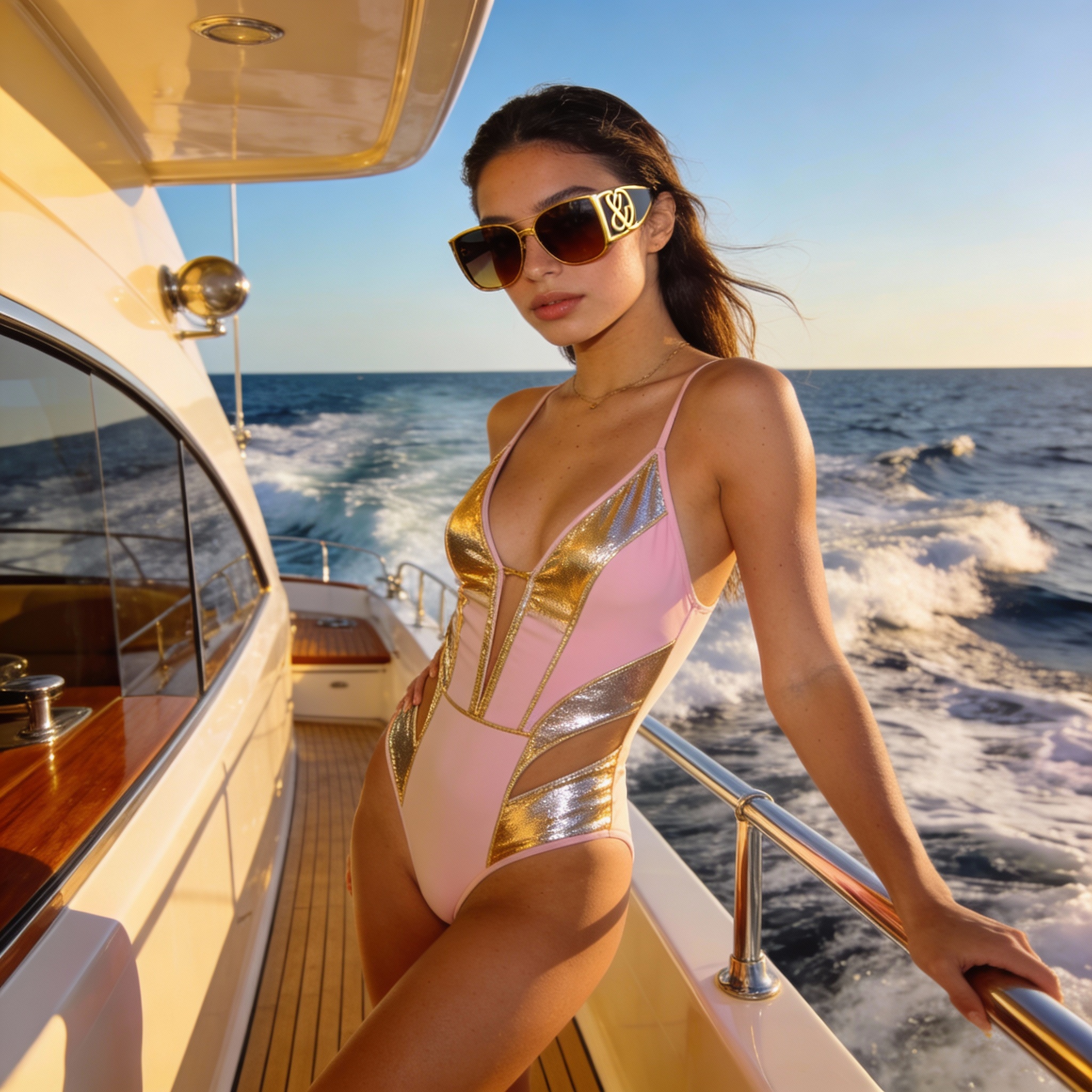
Grok Imagine AI turns your text prompts into photorealistic images and animated video clips. Powered by xAI's Aurora engine, create high-quality visuals in seconds—then bring them to life as 6-15 second videos with synchronized sound effects and ambient audio.
Max 10 Images
Support PNG, JPG, JPEG, WEBP up to 10MB
Next Step:
Grok Imagine AI: From Text to Moving Pictures
Grok Imagine AI combines image generation with video animation—create a still image, then watch it come alive as a short clip with matching audio.
Photorealistic Images in Under 5 Seconds
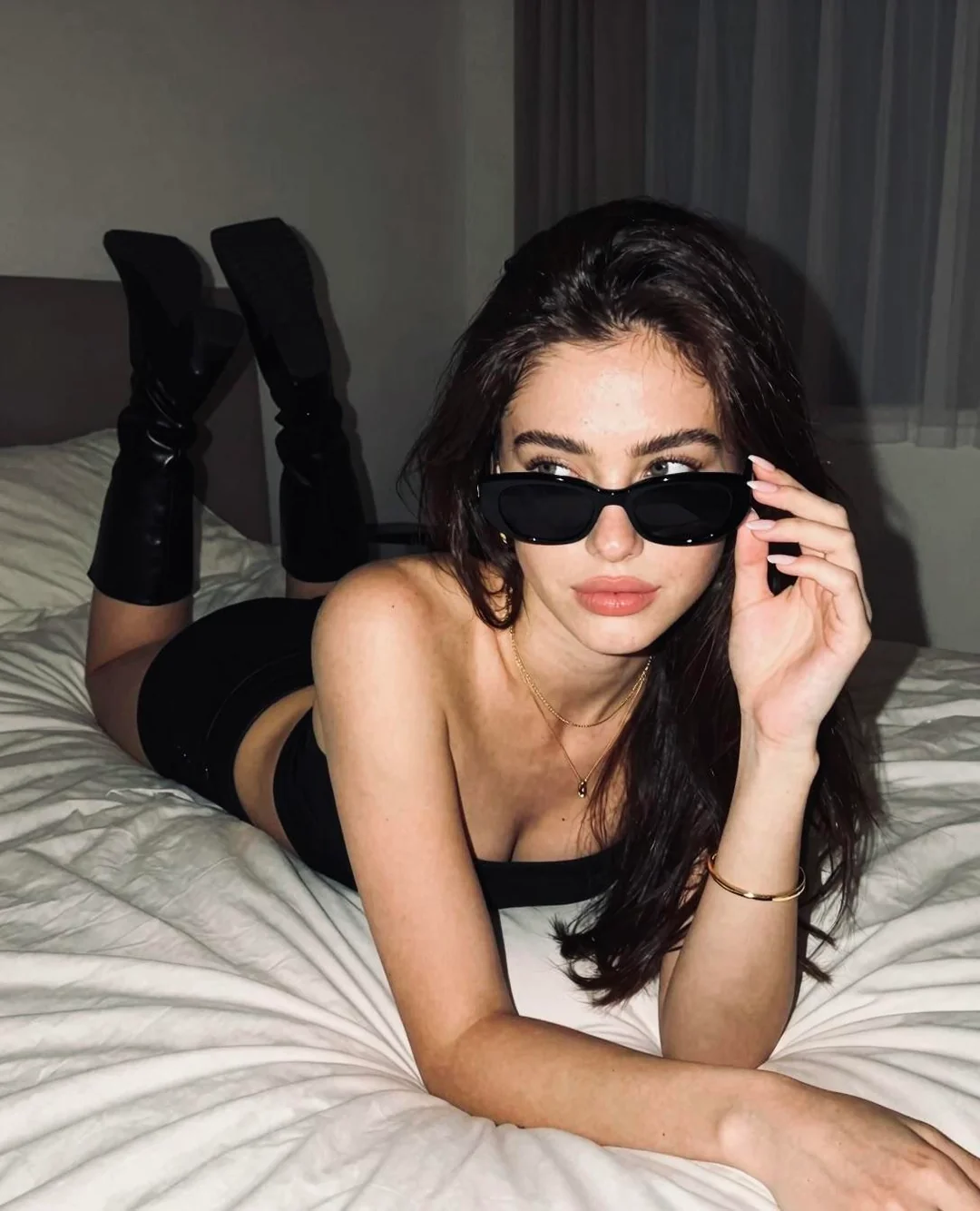
Grok Imagine AI delivers studio-quality images faster than any competitor. While other tools take 10-20 seconds per image, Grok Imagine AI produces photorealistic renders in just 3-5 seconds. The Aurora engine handles complex scenes with accurate lighting, natural textures, and precise details—whether you're creating product shots, portraits, or imaginative artwork.
Turn Any Image into an Animated Video
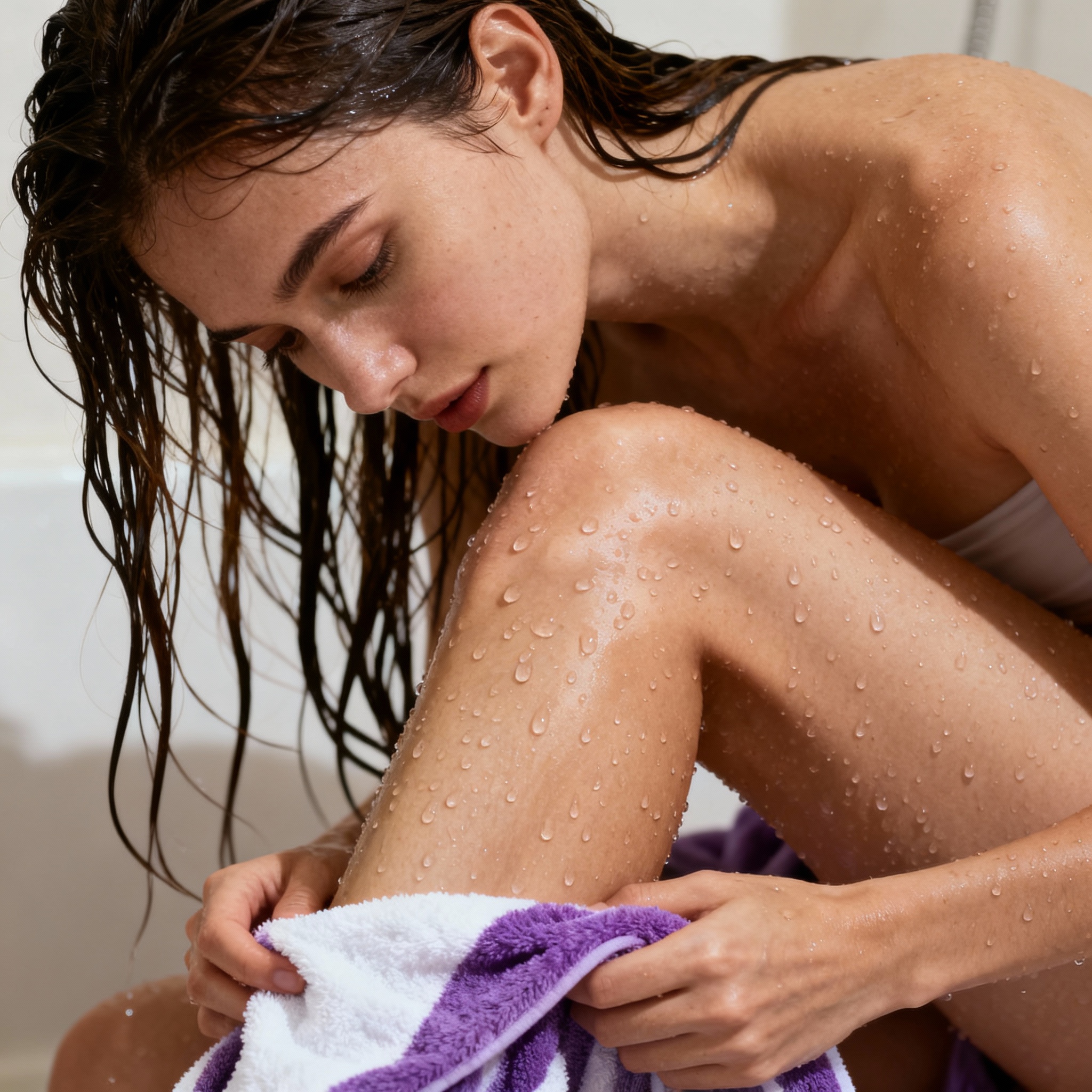
Once you've created an image you love, transform it into motion with a single tap. Grok Imagine AI animates your still images into 6-15 second video clips automatically. The system adds natural movement, subtle environmental effects, and synchronized sound effects that match the scene—footsteps on gravel, wind through trees, or ambient city sounds.
Edit and Transform Your Own Photos
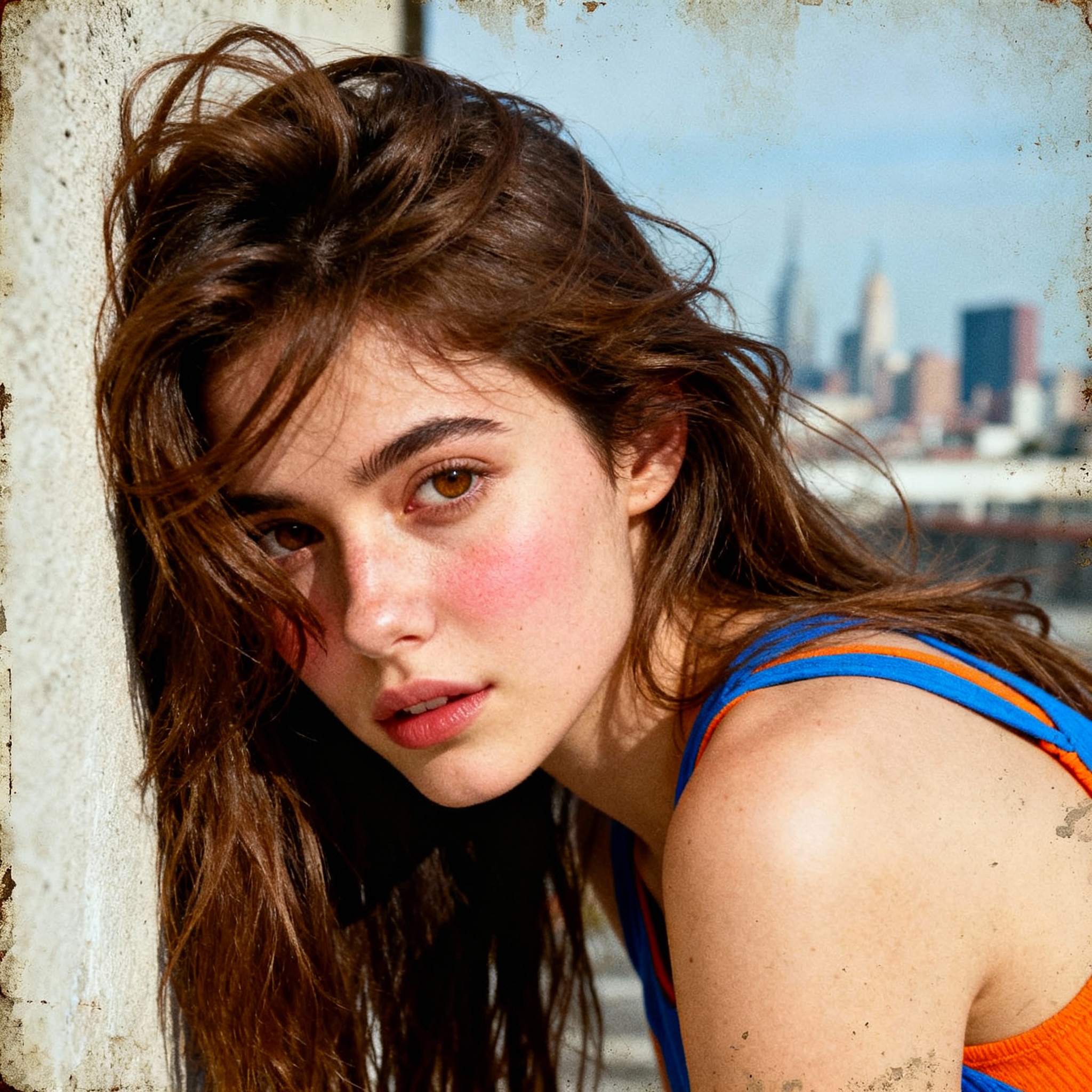
Upload any photo and let Grok Imagine AI transform it. Change the background, shift the time of day, apply artistic styles, or reimagine the scene entirely. Describe what you want changed and watch the AI preserve your subject while creating something new. Perfect for refreshing old photos or creating variations on existing concepts.
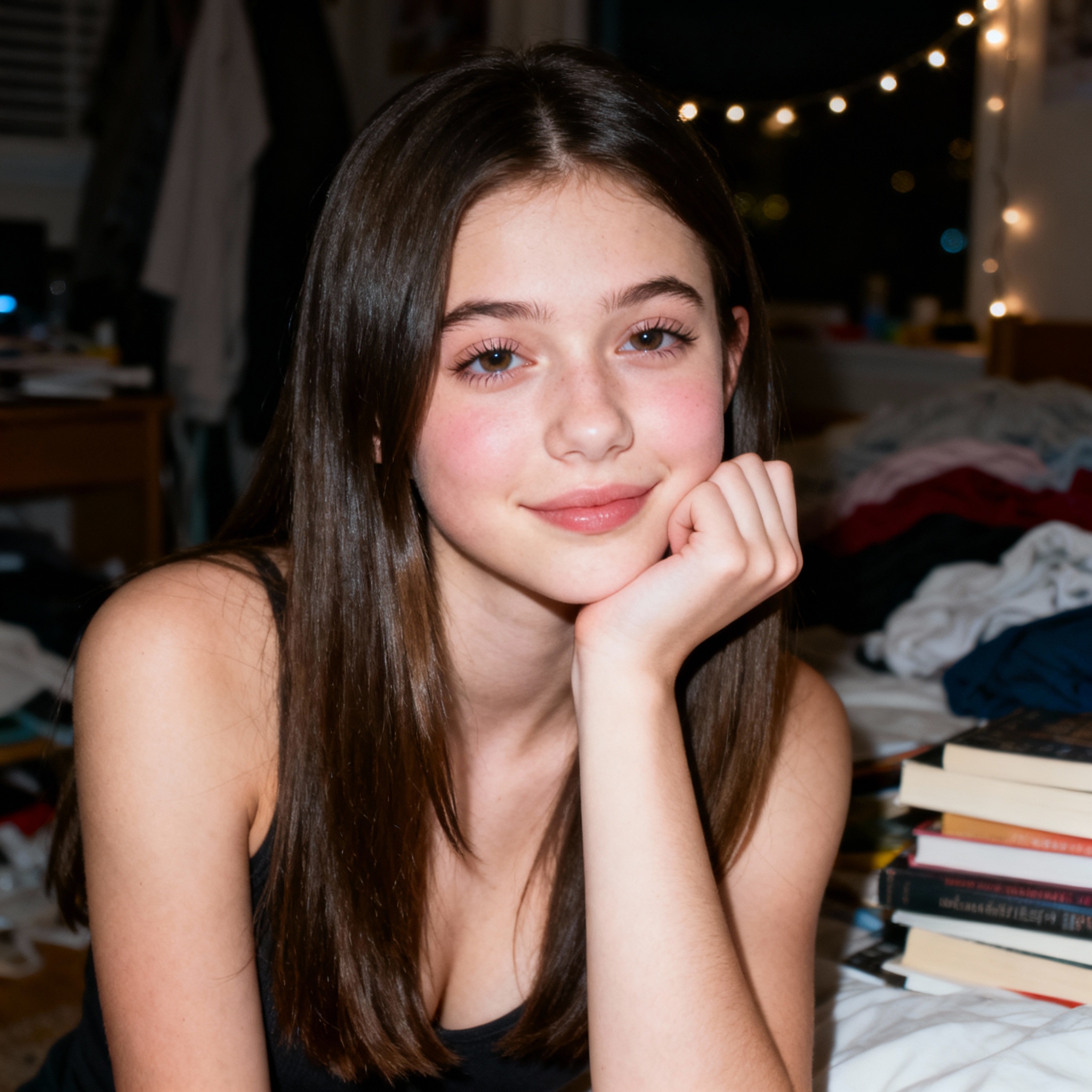
Text and Logos That Spell Correctly
Most AI image generators struggle with text, producing gibberish where letters should be. Grok Imagine AI breaks this limitation. Create neon signs with readable messages, product labels with accurate spelling, and logo concepts that say exactly what you intend. Put text in quotes within your prompt and the Aurora engine renders it with high accuracy.
Create Images and Videos in 3 Steps
From text prompt to animated video—no design skills or editing software needed
Write Your Prompt or Upload a Photo
Describe your vision in detail: subject, setting, lighting, mood, and style. For example: 'A futuristic city at sunset, neon lights reflecting on wet streets, cinematic atmosphere.' Or upload an existing photo to edit or transform. Prompts can be up to 1,000 characters for precise control.
Select Format and Generate
Choose your aspect ratio: 1:1 (square), 16:9 (landscape), 9:16 (portrait), 2:3 (photography), or other formats. Pick a style—photorealistic, anime, digital painting, or let the AI interpret freely. Click generate and your image appears in 3-5 seconds.
Animate to Video and Download
Love your image? Tap to animate it into a 6-15 second video clip with ambient audio. The video generates in about 20 seconds. Download your final creation in JPEG for images or MP4 for videos, ready for social media, presentations, or creative projects.
What Sets Grok Imagine AI Apart
Key advantages that make Grok Imagine AI the preferred choice for fast, creative visual generation.
⚡ 2-4x Faster Than Competitors
Grok Imagine AI generates images in 3-5 seconds while competitors take 10-20+ seconds. Test ten ideas in the time it takes others to produce one. Speed means faster iteration and more creative exploration.
🎬 Image-to-Video in One Click
Other tools require separate software to animate images. Grok Imagine AI does it natively—transform any generated image into a 6-15 second video clip with synchronized ambient audio, all within the same interface.
🔊 Videos Come with Sound
Generated videos automatically include matching audio—footsteps, wind, rain, city ambience, or other environmental sounds. No need to source and sync audio separately. Your clips are ready to share as-is.
📝 Accurate Text Rendering
Create signs, labels, and logos with text that actually reads correctly. While most generators produce garbled letters, Grok Imagine AI handles English words, numbers, and short phrases with high accuracy.
🖼️ Upload and Transform Photos
Not limited to text prompts alone. Upload your own images and describe what you want changed—swap backgrounds, adjust lighting, apply art styles, or completely reimagine scenes while keeping key elements.
🆓 Free Access Available
A free trial quota is available for all users to experience Grok Imagine. Premium subscriptions extend daily generation limits, scaling from dozens to hundreds of video renders depending on tier.
Grok Imagine AI FAQ
Common questions about Grok Imagine AI—image quality, video generation, formats, and creative tips.
How long can Grok Imagine AI videos be?
Grok Imagine AI generates video clips from 6 to 15 seconds in length. Videos include synchronized ambient audio like sound effects and background sounds. For longer content, you can generate multiple clips and combine them using video editing software.
What image resolution does Grok Imagine AI produce?
Images are generated at up to 1024x1024 pixels (roughly 2 megapixels), which is sharp enough for social media, websites, and light print use. Multiple aspect ratios are available including 1:1, 16:9, 9:16, 2:3, and 3:2.
How do I write effective prompts for Grok Imagine AI?
Structure your prompts with subject + action + setting + style + lighting. Be specific: instead of 'a car' try 'a red sports car parked on a rainy Tokyo street at night, neon reflections on wet pavement, cinematic photography.' You can use up to 1,000 characters per prompt.
Can Grok Imagine AI render text inside images?
Yes. Unlike most AI generators that produce garbled text, Grok Imagine AI renders English words, numbers, and short phrases accurately. Place the exact text you want in quotes within your prompt—for example: 'a neon sign reading "Open 24 Hours"'.
What file formats does Grok Imagine AI output?
Images are saved in high-resolution JPEG format. Videos are exported as MP4 files at 24 frames per second. Both formats are compatible with all major social platforms, editing software, and presentation tools.
Can I use Grok Imagine AI creations for commercial projects?
Yes. Images and videos generated with Grok Imagine AI can be used for commercial purposes including marketing campaigns, advertising, product mockups, social content, and client work. You retain full usage rights to your generated content.