
Grok Image Upscaler
Transform low-resolution images into stunning 4K or 8K quality. Grok Image Upscaler uses advanced AI to enhance details, sharpen textures, and eliminate compression artifacts—all in seconds.
Upload the image you want to upscale
Click to upload image
Upscaled image will appear here
Grok Image Upscaler: Professional AI Image Enhancement
Grok Image Upscaler transforms your images into high-resolution masterpieces—2K, 4K, or 8K—while preserving every detail and eliminating artifacts.
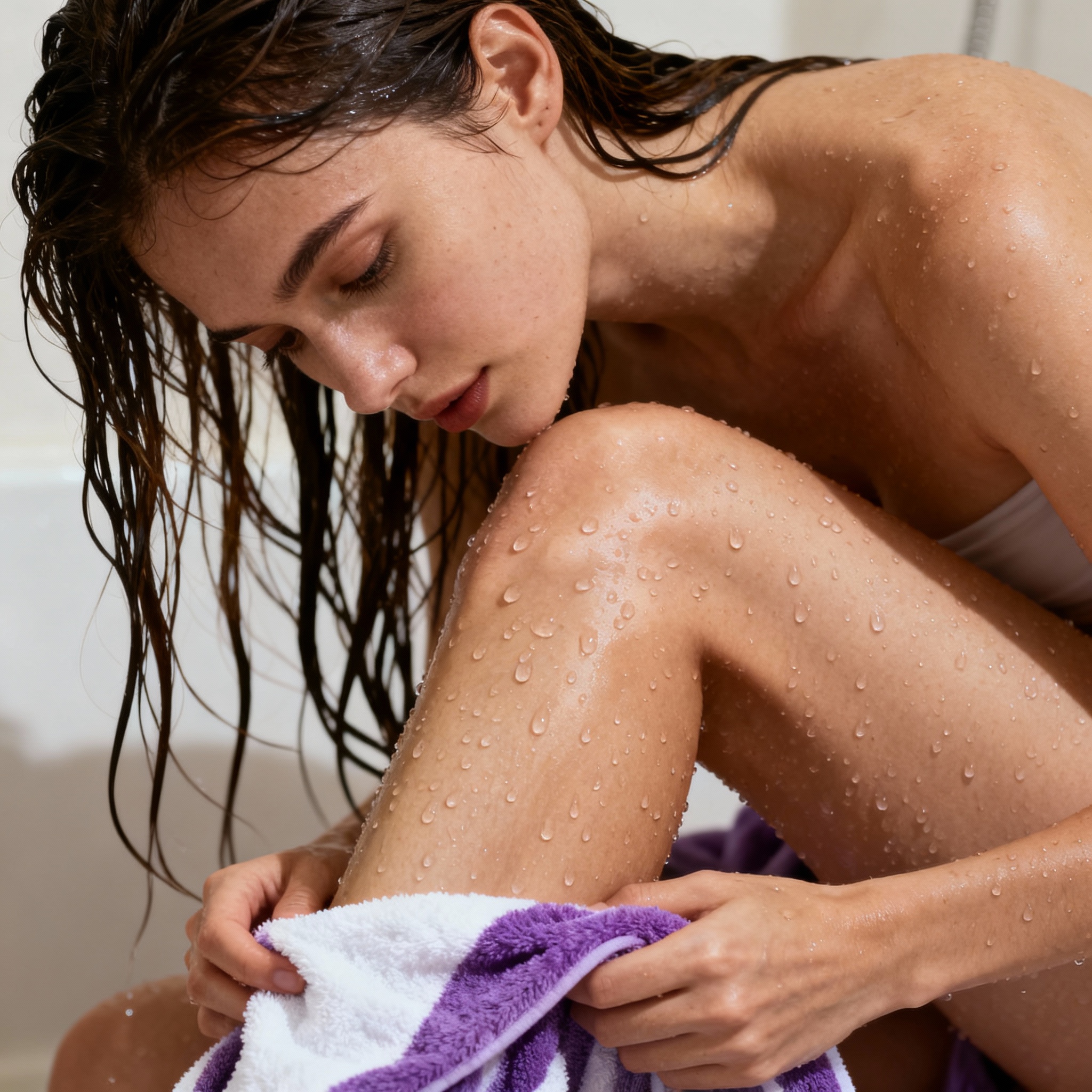
Upscale to 4K or 8K Resolution
Take any image and transform it into stunning high resolution. Grok Image Upscaler supports 2K, 4K, and 8K output targets, intelligently scaling your photos while reconstructing fine details that standard upscaling destroys. Perfect for printing, displays, or archiving your favorite memories in the highest quality possible.

Preserve Details, Remove Artifacts
Standard upscaling creates blurry, pixelated messes. Grok Image Upscaler uses deep learning to understand your image content and reconstruct realistic textures, sharp edges, and natural gradients. Compression artifacts, noise, and blur are intelligently removed while preserving the original character of your photo.

Fast Processing, Professional Results
No more waiting minutes for image processing. Grok Image Upscaler delivers professional-grade results in under 30 seconds, even for 8K output. The optimized AI pipeline handles everything from smartphone snapshots to professional photography with consistent, high-quality enhancement.

Multiple Output Formats
Export your upscaled images in the format that works best for your needs. Choose between JPEG for smaller file sizes, PNG for lossless quality and transparency support, or WebP for optimal web performance. Each format is optimized to preserve the quality improvements from the upscaling process.
Upscale Your Images in 3 Simple Steps
From low-res to high-res in under 30 seconds—no technical skills required
Upload Your Image
Click to upload any image you want to enhance—JPG, PNG, or WebP formats are supported. The upscaler works with photos of any size, from small thumbnails to medium-resolution images. For best results, use the highest quality source image available.
Select Target Resolution and Format
Choose your target resolution: 2K for quick enhancement, 4K for high-quality displays and prints, or 8K for maximum detail. Then pick your output format—JPEG for photos, PNG for graphics and transparency, or WebP for web-optimized delivery.
Upscale and Download
Click upscale and your enhanced image will be ready in about 30 seconds. Preview the high-resolution result, then download immediately. Your upscaled image is ready for printing, sharing, or professional use without any additional processing.
What Makes Grok Image Upscaler Stand Out
Key advantages that set Grok Image Upscaler apart from other enhancement tools—spicy, more open.
🔥 Spicy 8K Resolution Output
Go beyond standard 2x upscaling. Grok Image Upscaler can transform your images to full 8K resolution. Perfect for large format prints, digital signage, and professional archival where maximum detail matters.
🎨 Spicy AI Detail Reconstruction
Unlike basic interpolation that creates blur, Grok Image Upscaler understands image content and reconstructs realistic textures, edges, and fine details—completely spicy with more open applied to your creative work.
✨ More Open Artifact Removal
Old JPEG compression artifacts? Grainy low-light photos? Grok Image Upscaler intelligently cleans up image defects while enhancing resolution, giving you cleaner results than the original source.
⚡ Lightning Fast Processing
Get professional upscaling results in under 30 seconds, even for 8K output. Grok Image Upscaler delivers spicy fast performance—upload, enhance, and download quickly so you can move on to your next project.
📁 Flexible Output Formats
Export in JPEG, PNG, or WebP depending on your use case. Grok Image Upscaler maintains transparency with PNG, optimizes for web with WebP—all with no restriction on quality preservation.
🖼️ Works with Any Image Source
Smartphone photos, old scans, screenshots, spicy content—Grok Image Upscaler handles them all spicy. The AI adapts to different image types and delivers consistent enhancement across various source qualities with more open.
Grok Image Upscaler FAQ
Common questions about Grok Image Upscaler—resolution options, quality, and best practices.
What resolution options does Grok Image Upscaler offer?
Grok Image Upscaler supports three target resolutions: 2K for quick enhancement and moderate quality improvement, 4K for high-quality displays and standard printing, and 8K for maximum detail suitable for large format prints and professional archival.
How is AI upscaling different from regular upscaling?
Regular upscaling (bicubic, bilinear) simply stretches pixels, creating blur and artifacts. AI upscaling uses deep learning to understand image content—faces, textures, edges—and reconstructs realistic details that weren't visible in the original, producing much sharper and more natural results.
What image formats can I upload and download?
You can upload images in JPG, PNG, or WebP format. For output, choose between JPEG (best for photos, smaller files), PNG (lossless quality, supports transparency), or WebP (excellent quality at smaller file sizes, ideal for web use).
How long does upscaling take?
Most images are processed in about 30 seconds, regardless of whether you choose 2K, 4K, or 8K output. Processing time depends slightly on the source image size and complexity, but results are typically ready within a minute.
Will upscaling fix blurry or noisy photos?
Yes. Grok Image Upscaler doesn't just increase resolution—it also reduces noise, removes compression artifacts, and sharpens details. However, extremely low-quality or severely damaged images may have limited improvement potential. For best results, use the highest quality source available.
Can I use upscaled images commercially?
Yes. Images you upscale with Grok Image Upscaler can be used for commercial purposes including marketing materials, product listings, client work, and professional printing. You retain full usage rights to your enhanced images.