Grok Image AI
Grok Image unlocks more open image generation from text prompts. With a spicy, more open approach, create high-quality visuals, provocative concepts, and lifelike portraits in seconds — without creative limits.
Max 10 Images
Support PNG, JPG, JPEG, WEBP up to 10MB
Next Step:
Grok Image: Professional AI Art in Seconds
Grok Image generates studio-quality visuals from text prompts—photorealistic renders, artistic styles, and even readable text that other AI tools struggle with.
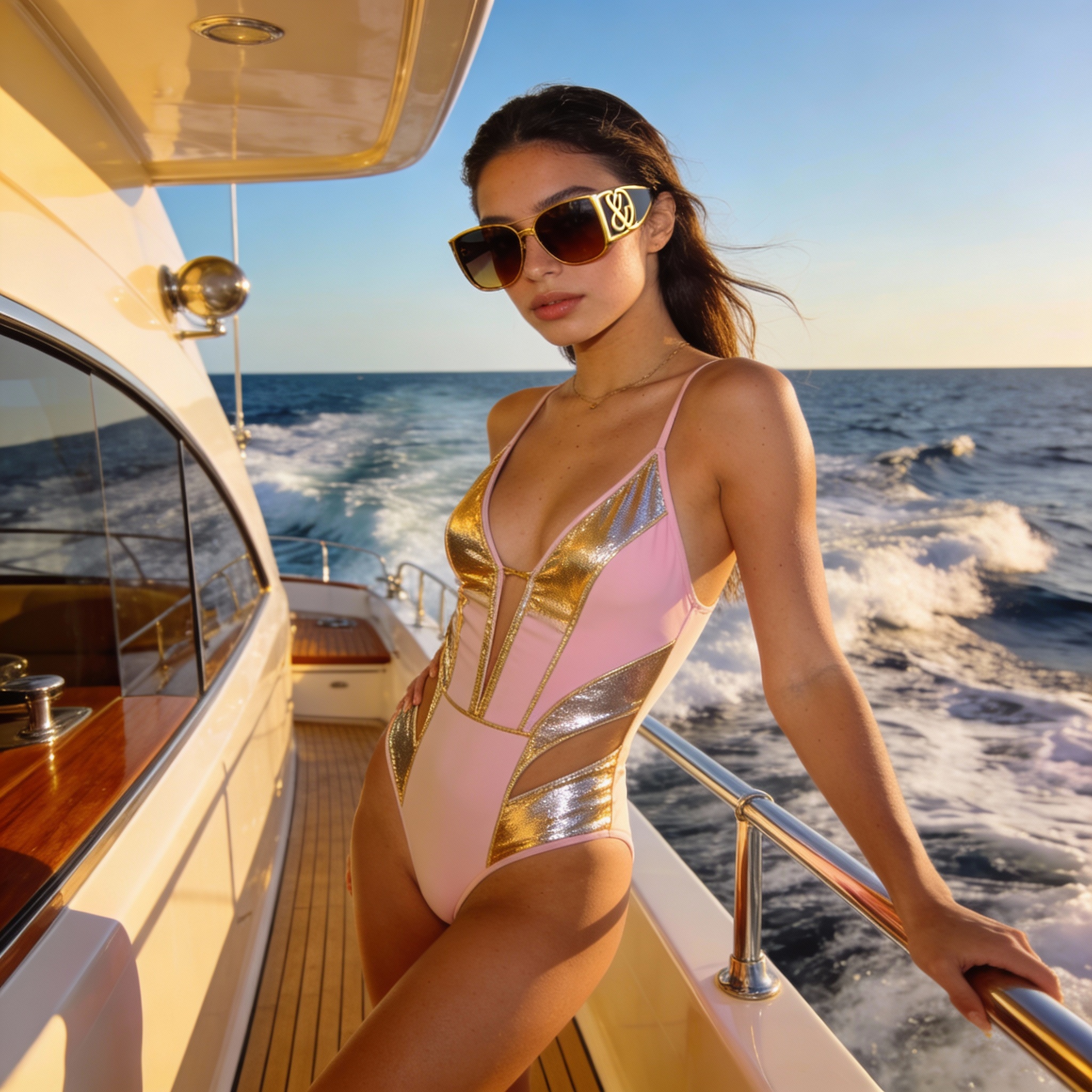
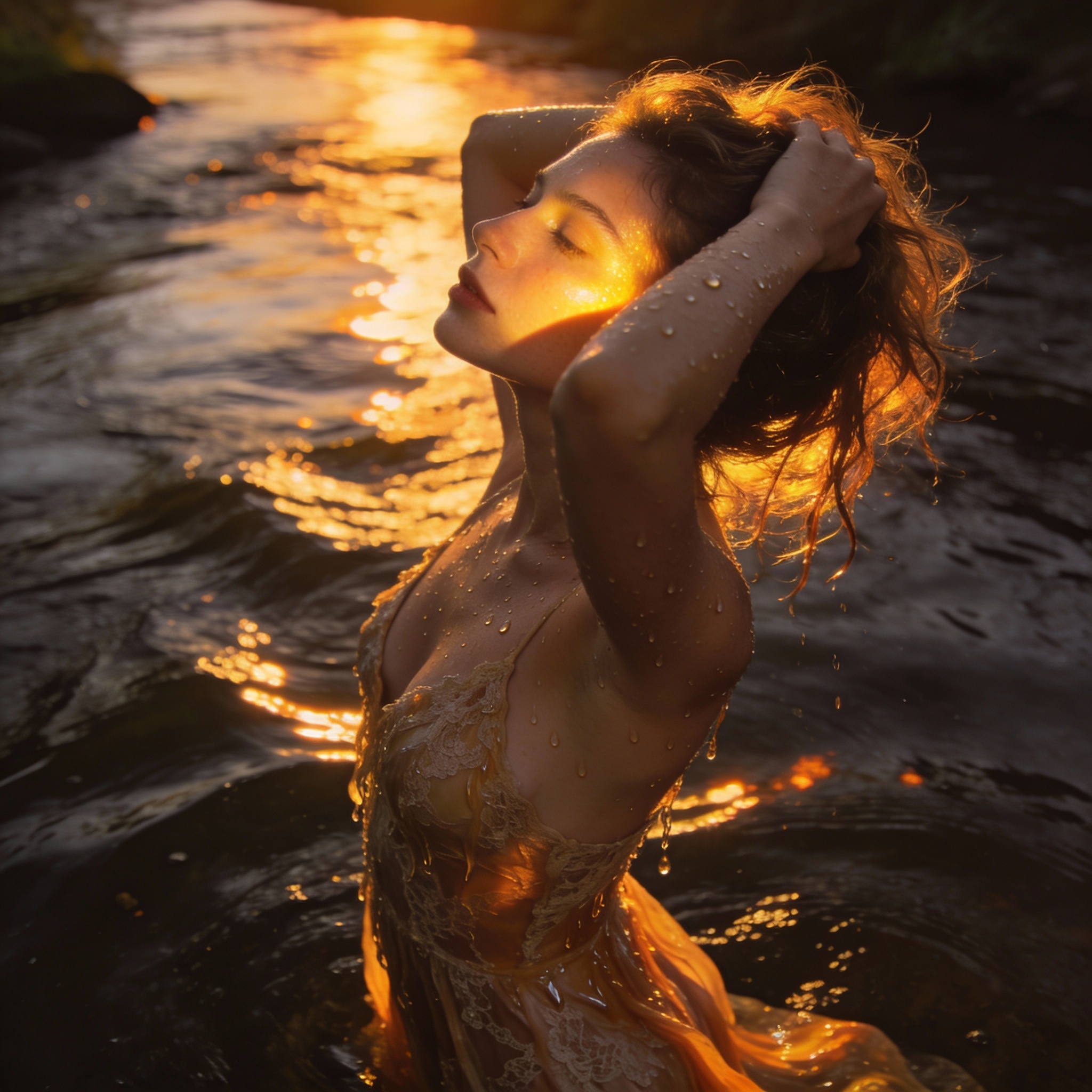
Photorealistic Quality That Rivals Photography
Grok Image excels where other AI generators fall short. The Aurora engine produces images with exceptional clarity, natural lighting, and realistic textures. Generate product shots that look professionally photographed, portraits with lifelike skin tones, and scenes with accurate depth and perspective. Results are sharp enough for commercial use without post-processing.
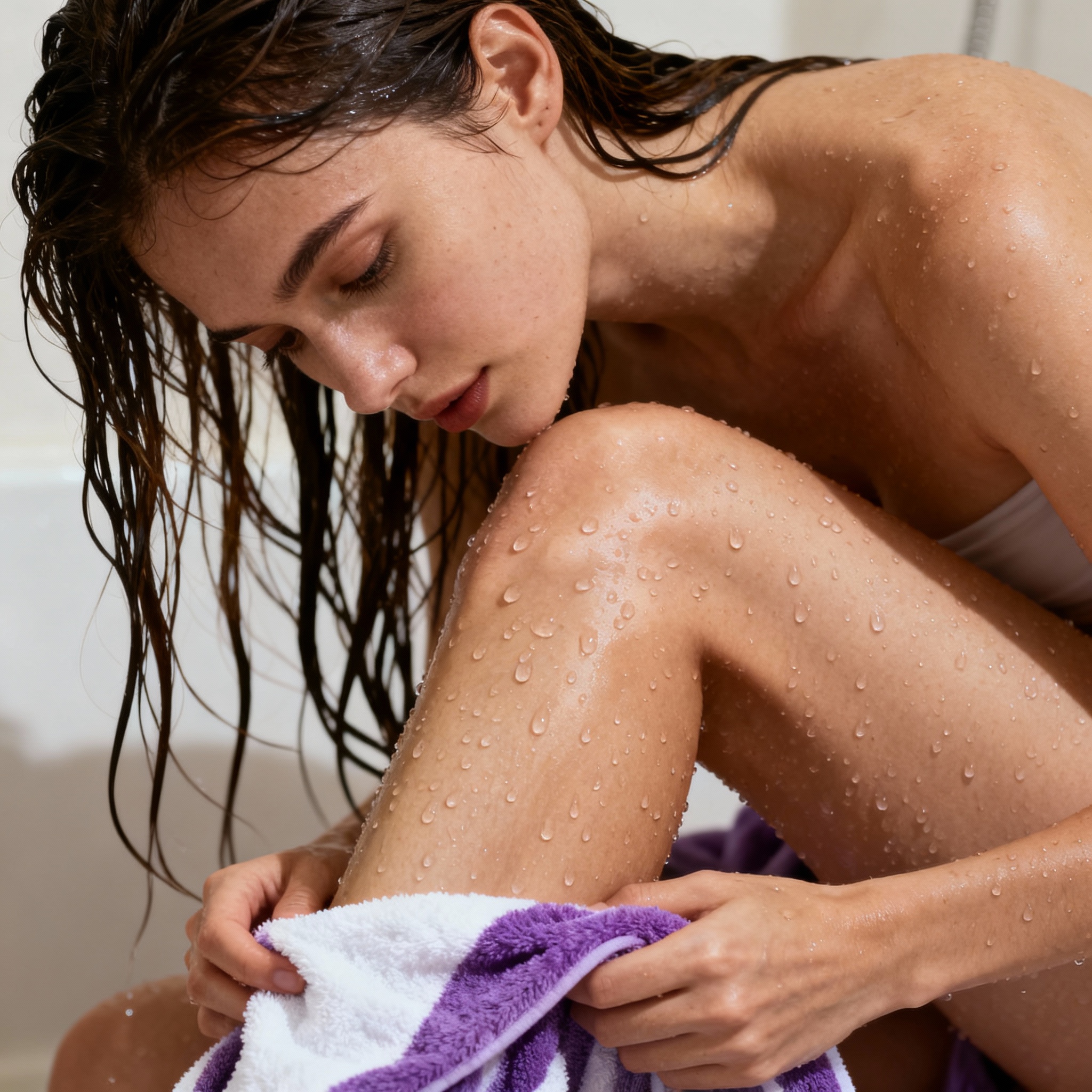
Transform Your Photos with AI Editing
Upload your own images and let Grok Image transform them. Change backgrounds, swap styles, adjust lighting, or reimagine scenes entirely. The multimodal capabilities mean you can provide a reference photo and describe what you want changed. Turn a daytime photo into a nighttime scene, age a portrait, or apply artistic styles while keeping the original composition.
Text and Logos That Actually Read Correctly
Most AI image generators turn text into gibberish. Grok Image breaks this barrier. Create neon signs with clear lettering, product packaging with readable labels, posters with accurate headlines, and logos that spell your brand name correctly. Whether it's English, numbers, or simple phrases, Grok Image renders text with high accuracy.
10+ Aspect Ratios for Every Platform
Create images sized perfectly for any use case. Square 1:1 for Instagram posts, wide 16:9 for YouTube thumbnails, tall 9:16 for Stories and TikTok, 4:5 for Pinterest, and more. No cropping or resizing needed—just select your target format and Grok Image composes the scene to fit. Output up to 1024x1024 pixels, ready for web, social media, or print.
Generate AI Images in 3 Simple Steps
From idea to finished image in under 5 seconds—no design skills needed
Write Your Prompt or Upload a Reference
Describe what you want to create with as much detail as possible. Include the subject, setting, lighting, mood, and style. For example: 'A golden retriever in a sunlit meadow, soft morning light, shallow depth of field, professional photography.' Or upload a reference image to edit or draw inspiration from.
Choose Aspect Ratio and Style
Select from 10+ aspect ratios: 1:1 (square), 16:9 (landscape), 9:16 (portrait), 4:5 (social), 2:3 (print), and more. Pick your preferred style—photorealistic, artistic, anime, minimalist, or let Grok Image interpret freely. Add negative prompts to exclude unwanted elements.
Generate and Download
Click generate and your image appears in 3-5 seconds. Review the result, regenerate with tweaked prompts if needed, or download immediately. Images are saved in high-resolution JPEG format, ready for social media, presentations, websites, or print materials.
What Makes Grok Image Stand Out
Key advantages that set Grok Image apart from other AI image generators.
⚡ Results in 3-5 Seconds
While Midjourney takes 10+ seconds and DALL-E even longer, Grok Image delivers high-quality images in just 3-5 seconds. Perfect for rapid brainstorming—generate ten concepts in the time others produce one.
📝 Readable Text Generation
Create signs, logos, and labels with text that actually spells correctly. Most AI generators turn lettering into gibberish. Grok Image renders English text, numbers, and simple phrases with high accuracy.
🎨 Master Complex Prompts
Grok Image understands prompts up to 1,000 characters. Specify camera angles, lighting conditions, tiny environmental details, and embedded text. Art-direct with precision that simpler tools can't match.
👤 Lifelike Human Portraits
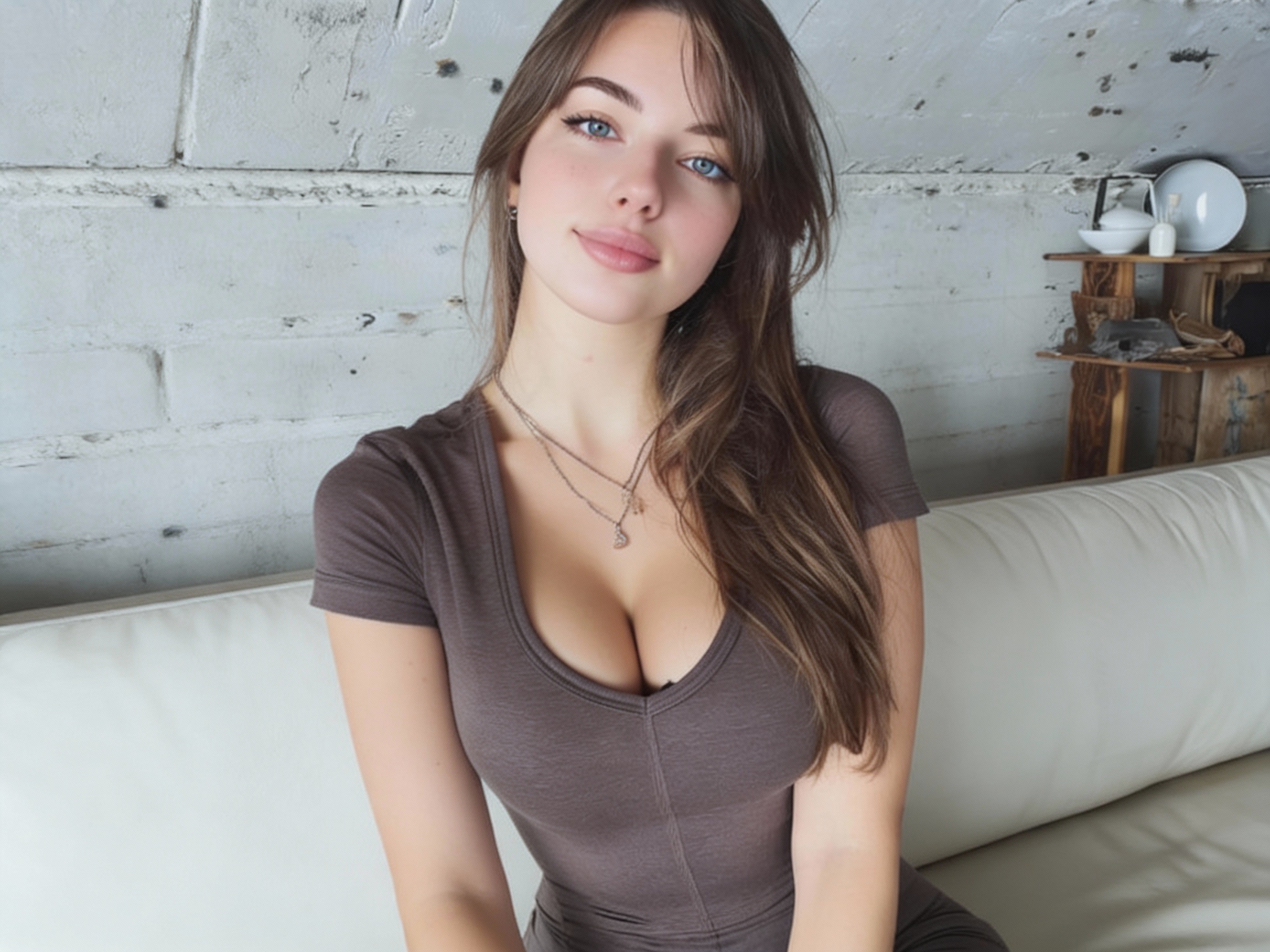
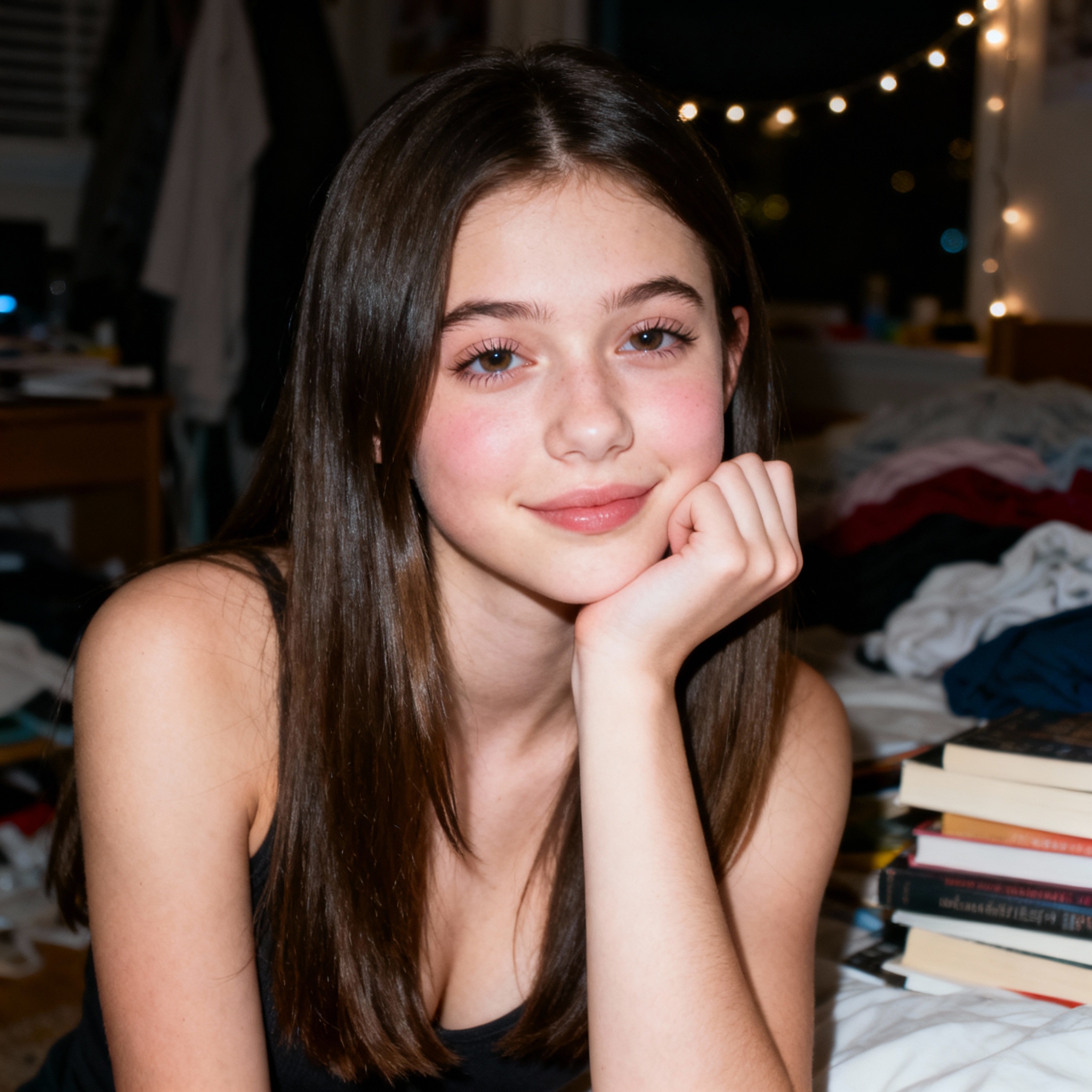
Generate realistic faces with natural skin tones, accurate expressions, and proper proportions. Celebrity likenesses, diverse ethnicities, and specific age ranges are all handled with impressive fidelity.
🖼️ Edit Your Own Photos
Upload images and transform them with text instructions. Change backgrounds, adjust lighting, swap styles, or reimagine scenes. Multimodal input means you're not limited to text-only generation.
📐 Perfect Sizing for Any Platform
Choose from 10+ aspect ratios without cropping or post-editing. Images are composed correctly for Instagram, YouTube, TikTok, Pinterest, print, and more—right from the first generation.
Grok Image FAQ
Common questions about Grok Image AI generator—quality, formats, and creative tips.
What resolution does Grok Image output?
Grok Image generates images up to 1024x1024 pixels natively, which equals about 2 megapixels. This is sharp enough for social media, web use, and light print applications. For larger prints, you can upscale the output using AI enhancement tools.
How do I write better prompts for Grok Image?
Use a structured approach: subject + action + setting + style + lighting + camera angle. For example, instead of 'a cat,' try 'a fluffy orange cat sitting on a windowsill, golden hour light streaming in, shallow depth of field, professional pet photography.' Aim for 600-700 characters with clear focus.
Can Grok Image generate text inside images?
Yes. Unlike most AI generators that produce garbled text, Grok Image renders English words, numbers, and short phrases with high accuracy. This works for neon signs, product labels, posters, and logo concepts. Put the exact text you want in quotes within your prompt.
What aspect ratios does Grok Image support?
Grok Image offers 10+ aspect ratios including 1:1 (square), 16:9 (widescreen), 9:16 (portrait/Stories), 4:5 (Instagram), 2:3 (print), 3:2 (photography), and more. Select your target format before generating—the AI composes the scene to fit.
Can I edit my own photos with Grok Image?
Yes. Upload a reference image and describe what changes you want. Grok Image can transform backgrounds, adjust lighting, apply artistic styles, or reimagine the scene while preserving key elements from your original photo.
Can I use Grok Image creations commercially?
Yes. Images generated with Grok Image can be used for commercial purposes including marketing materials, advertising campaigns, product mockups, social media content, and client projects. You retain full usage rights to your generated images.